


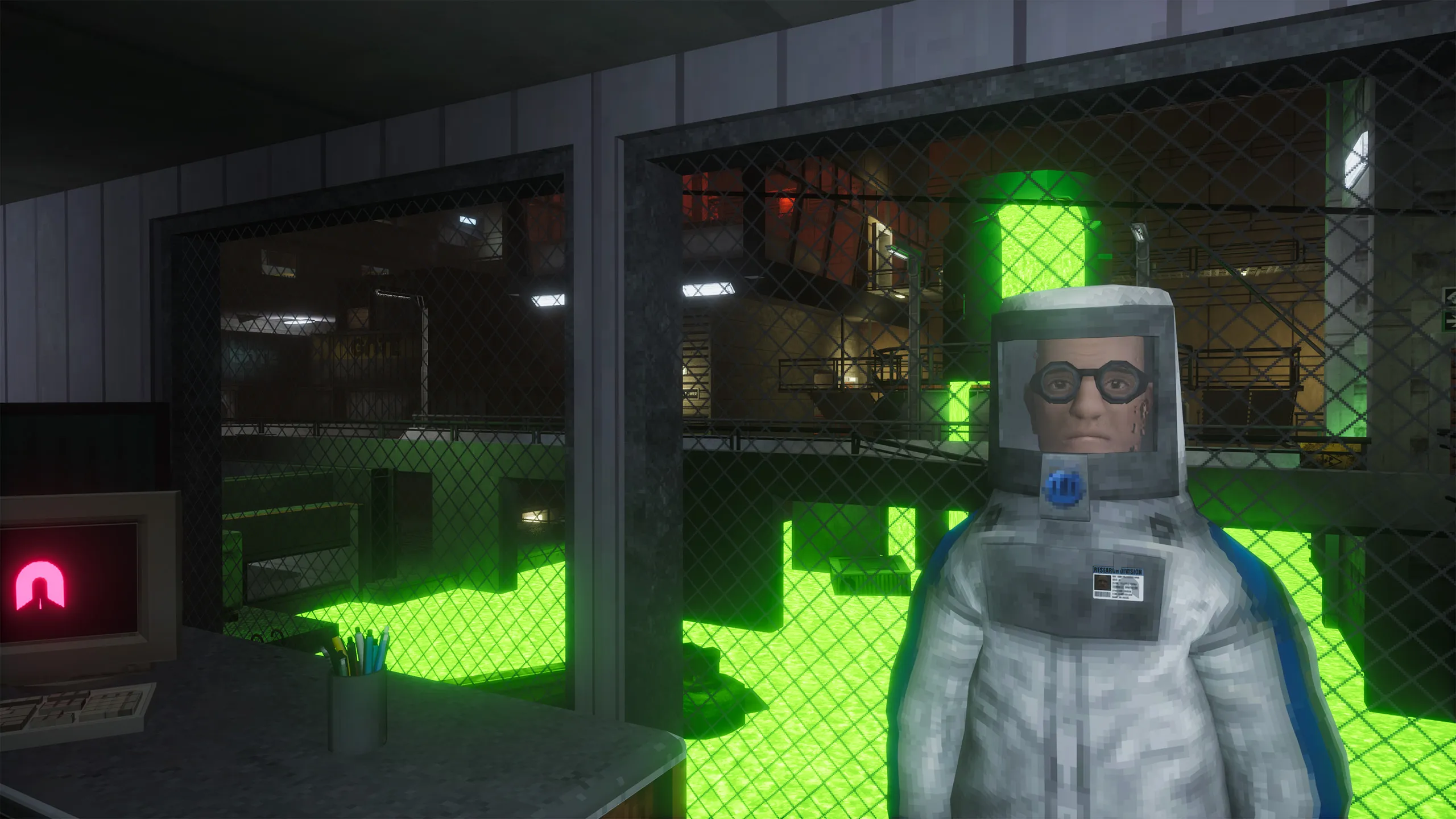
 Abiotic Factor
 You can join your Abiotic Factor server through the game client using the steps below. Make sure you have your server IP and port from the Game Panel first.
Follow these steps to connect:
- Launch Abiotic Factor.
- From the main menu, select “Join Game.”
- Choose the “Direct Connect” tab.
- Enter your server’s IP and port in the address field.
- Enter the server password if one is set.
- Click “Connect” to load into the server.