


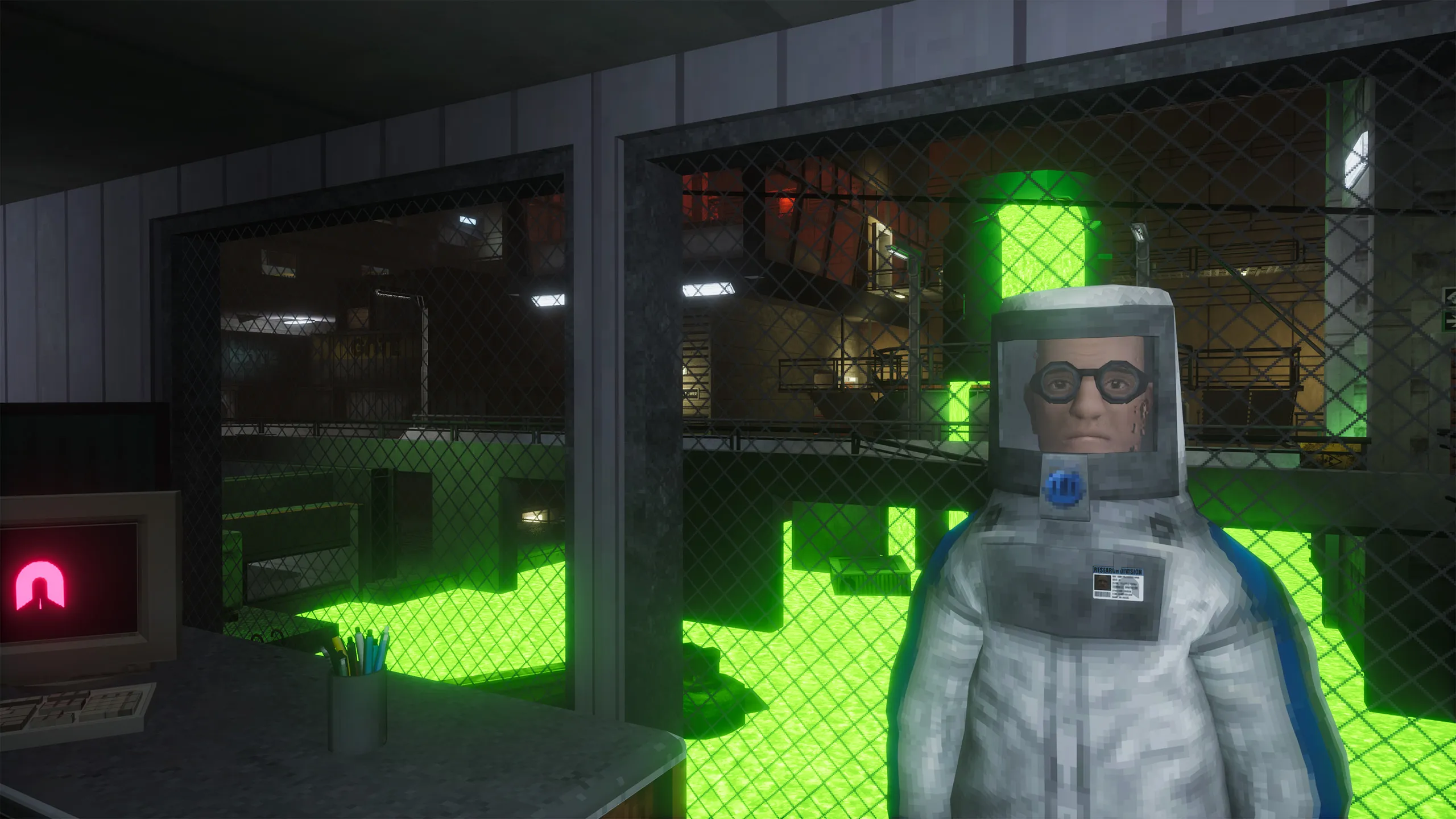
 Abiotic Factor
 Configure your Abiotic Factor server’s name, password, and player limit from the Server Options page in the Game Control Panel.
Accessing Server Options
- Log in to the Game Control Panel.
- Select your Abiotic Factor server.
- Go to Server Options.
Options Reference
Server Name
Labeled [SERVER] Server Name in the panel. The name of your server as it appears to players.
Server Password
Labeled [SERVER] Server Password in the panel. The password required for players to join your server. Leave blank for a public server with no password.
Number of Players
Labeled [SERVER] Number of Players in the panel. The maximum number of player connections allowed on your server at once. Abiotic Factor defaults to a 6-player co-op cap, but dedicated servers can raise this limit for larger crews.