


 Project Zomboid
 The WinterNode Game Control Panel provides a few easily configurable options under the Server Options tab on your server page. These options make use of common command line arguments and are needed for the server to function as expected, but may be changed as needed using the fields provided in the modals.
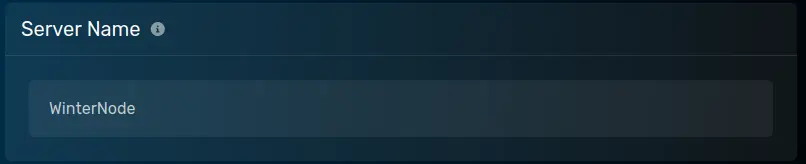
Server Name
The name of your server’s save. Used for the save and configuration paths.
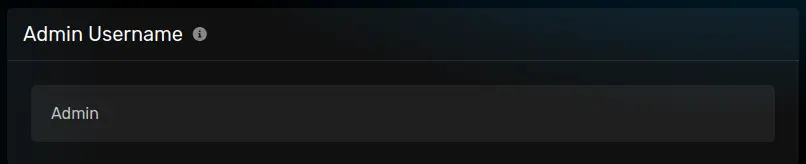
Admin Username
The username for the default admin account. Cane be entered into the multiplayer menu when joining the server.
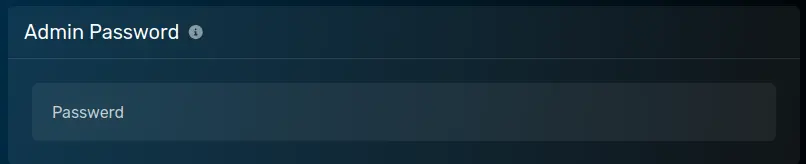
Admin Password
The password for the default admin account. Cane be entered into the multiplayer menu when joining the server.
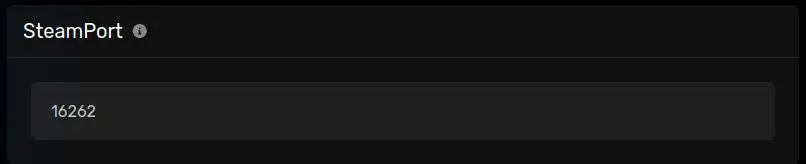
SteamPort
The port used by the server to announce itself to Steam. Will be automatically be set to one of the ports allocated to your server.
Steam Beta Branch
The name of the beta branch, if any, you want to install. Changing to a new beta branch require the use of the “Reinstall Server” button under the “Configuration” -> “Advanced” tab.
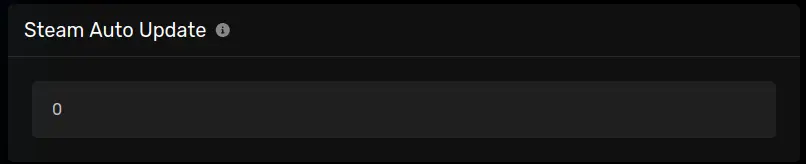
Steam Auto Update
Whether or not the server should automatically update on restart. 0 for no, 1 for yes. Defaults to 0.
Server Password
Defines the password players will need to insert in order to join the server, if any.
