


 Minecraft
 Server Options in the Game Control Panel sidebar holds the four settings that control how your server launches: which jar file runs, how much RAM it gets, any extra JVM flags, and the timezone stamped on your console logs. You will not need to change these often.
In-game settings like gamemode, difficulty, view-distance, whitelist, and motd are not on this page. See the server.properties guide for those.
Startup Command
The Startup Command field shows the exact command used to launch your server. You do not edit it directly. It is built from the fields below, so change those instead.

| Piece | What it does | Where to change it |
|---|---|---|
-Xms128M | The initial RAM pool. Aikar’s recommends matching this to Xmx, but on our panel a low starting value that grows on demand works better. | Fixed |
-XX:MaxRAMPercentage=## | The share of your plan’s RAM handed to Minecraft. | Max Heap Size Percentage |
server.jar | The jar file that is executed. | Server Jar File |
Server Jar File
The Server Jar File field is the case-sensitive name of the jar file you want to run. Either rename your uploaded jar to server.jar, or set this field to match the file name you uploaded.
The panel also manages this field and can reset it to its own value, for example after you install a modloader or modpack. If the panel set it, leave it as is. If your server stops starting after the field changed, reinstall your software under Advanced > Server Actions > Install Different Edition with FORMAT off, which sets the jar for you.
Console Timezone
The Console Timezone field sets the timezone used for timestamps in your console log. Change it if you want console output to line up with your local clock.
Max Heap Size Percentage
Max Heap Size Percentage controls how much RAM Java can use for heap memory and how much remains available for the Java Virtual Machine (JVM) to work with. The JVM needs some headroom, and how much varies by Minecraft version and server software.
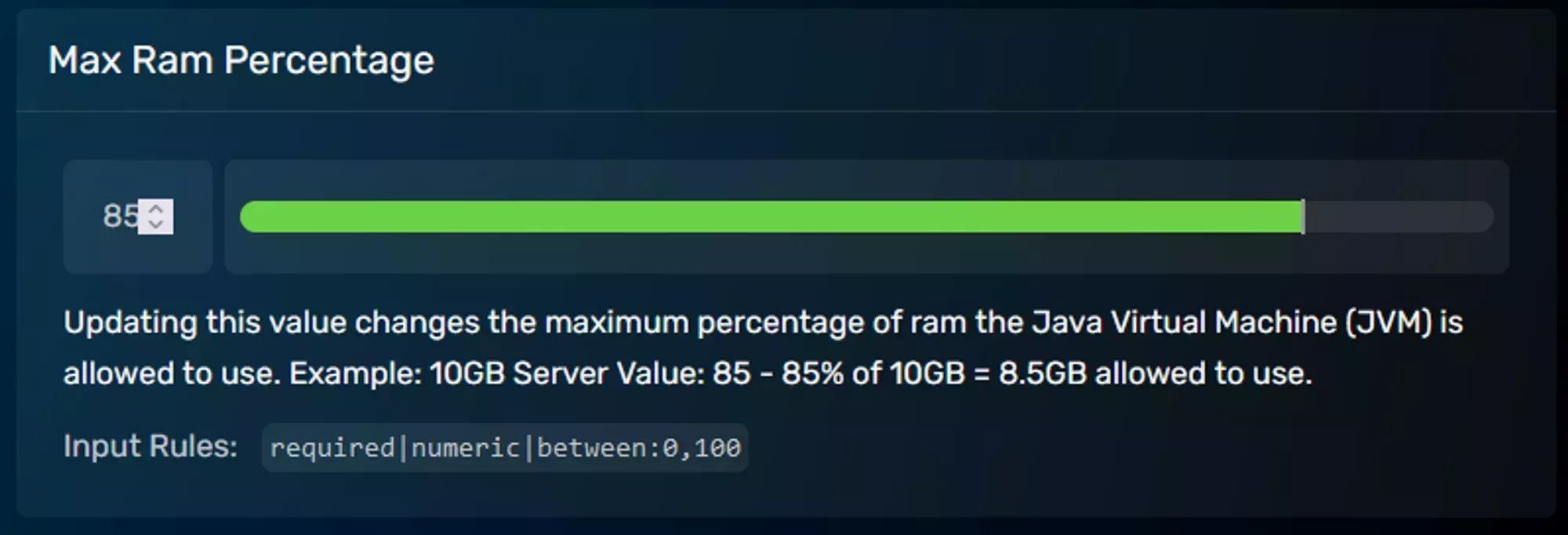
Our Aikar’s Flags article explains what that overhead is, why it exists, and why it shifts between versions.
JVM Flags
Extra flags passed to the JVM to fine tune your server’s behavior. They are added after the existing RAM flags and before the timezone flag, but position has no effect on how they run.
- Aikar’s flags are the most common set. Our Aikar’s Flags article covers what they do, whether your server already has tuned flags, and which set to use on your Java version.
-Dpaper.useLegacyPluginLoading=trueenables the legacy plugin loader on Paper servers.
server.properties file
Looking for in-game settings like gamemode, difficulty, view-distance, whitelist, or motd? Those live in the server.properties file, not the startup parameters. See the dedicated server.properties guide for every option with current defaults and recommended values.
Frequently Asked Questions
No. The Startup Command field is built from the other fields on the Server Options page. Change the Server Jar File, Max Heap Size Percentage, or JVM Flags field and the command updates with it.
No. Your flags are inserted after the RAM flags and before the timezone flag, and that position has no effect on how they run.
Those are in-game settings, not startup settings. They live in the server.properties file, which has its own guide.