


 Minecraft
 The WinterNode Game Control Panel provides a few easily configurable options called Server Options under the Server Options tab on your server page. These options make use of common command line arguments and are needed for the server to function as expected, but may be changed as needed using the fields provided in the panes.
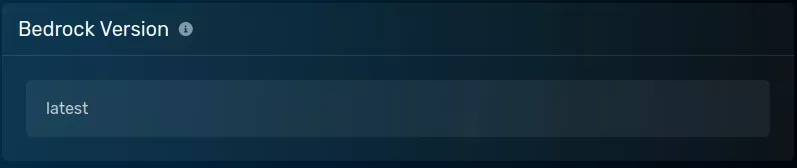
Bedrock Version
The version of Bedrock Edition used by the “Reinstall Server” button when installing the server.
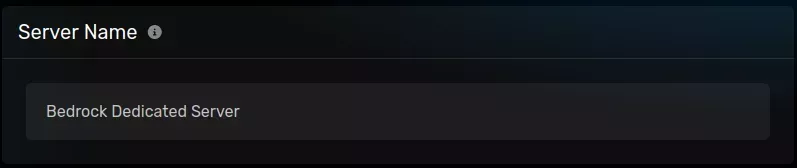
Server Name
The name of your Bedrock Server, used in the world files and configurations.
Gamemode
The default gamemode for your server.
![The "Gamemode" pane with a default value of [survival], selected from with a [creative|survival|adventure] dropdown, located on the server options page of the server page.](/help/images/games/minecraft-bedrock/minecraft-bedrock_startup-parameters_gamemode.webp)
![The "Difficulty" pane with a default value of [normal], selected from with a [peaceful|easy|normal|hard] dropdown, located on the server options page of the server page.](/help/images/games/minecraft-bedrock/minecraft-bedrock_startup-parameters_difficulty.webp)
Allow Cheats
Whether or not “cheats” are allowed on the server.
![The "Allow Cheats" pane with a default value of [true], shown with a [true|false] dropdown, located on the server options page of the server page.](/help/images/games/minecraft-bedrock/minecraft-bedrock_startup-parameters_allow-cheats.webp)