


We ask that clients link their Discord account to their Client Account as an additional verification step when we provide support in Discord tickets. This also grants you access to additional channels in the Discord Server and lets everyone know that you have a Client Account with us.
- Join our Discord Server.
Log into the Client Portal and find the Connect Discord button in the left sidebar under the Shortcuts panel.
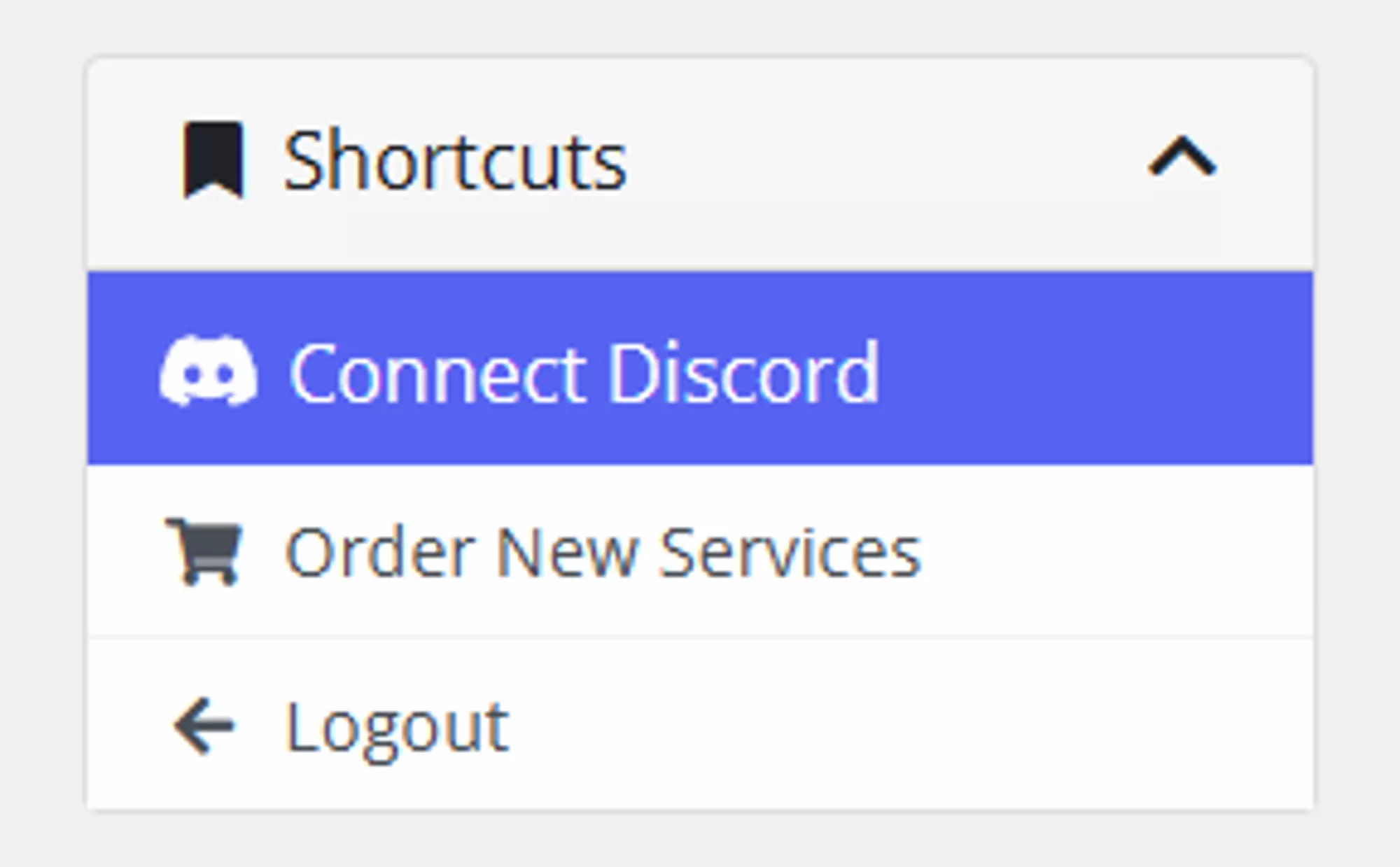
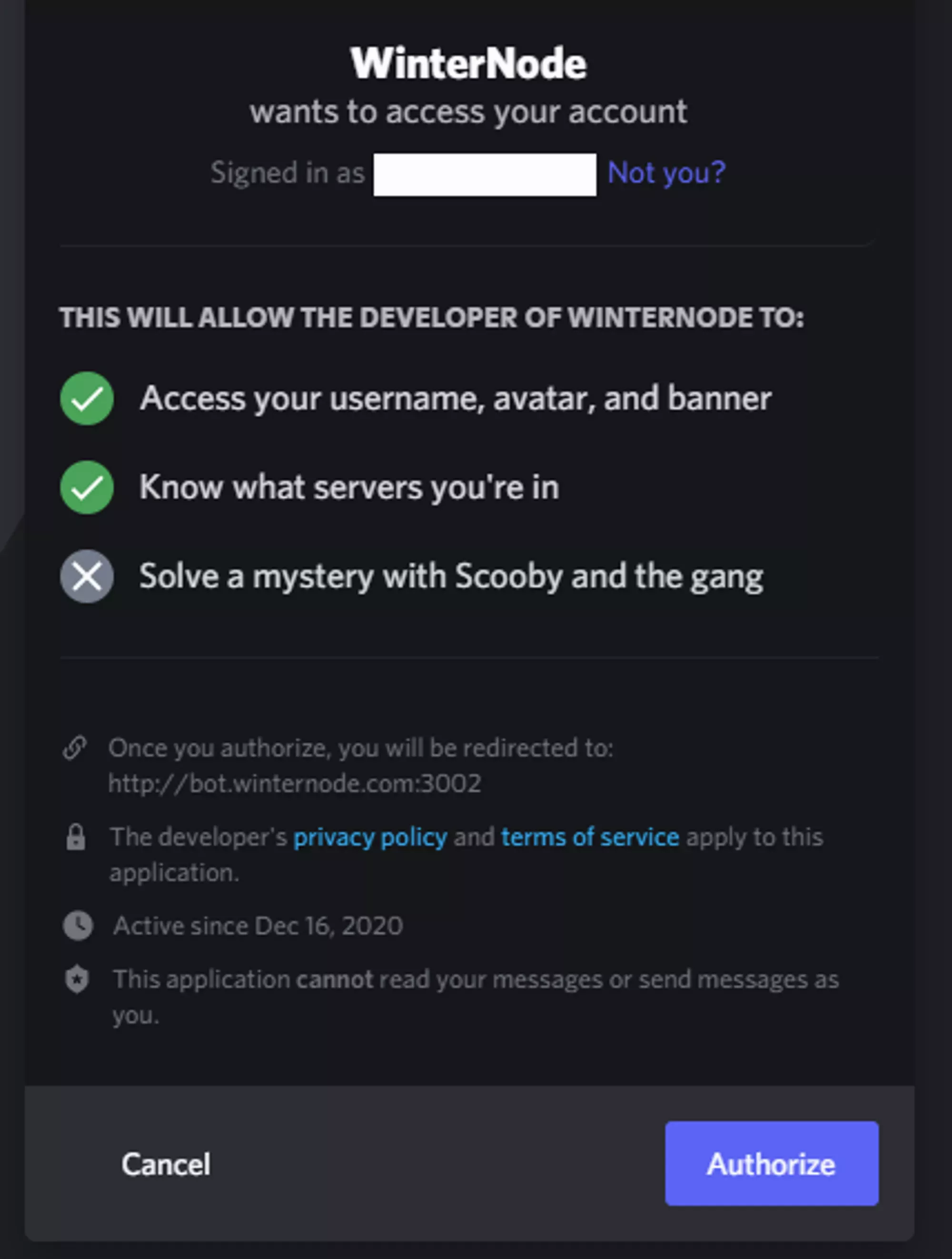
Click Connect Discord and Authorize the connection.
Client Role Perks
Once linked, you get access to:
- Advertise your WinterNode-powered server in #servers
- Discuss with fellow clients in #clients-chat
- Participate in client-only events, giveaways, and discussions
- A shiny blue name in Discord